

If you’re running into a version compatibility or validation error when using the All-in-One WP Migration Unlimited Extension plugin on your WordPress site, don’t worry — this is a common issue with a very straightforward fix.
This guide will walk you step-by-step through how to fix the version error and get your All-in-One WP Migration Unlimited Extension working again, especially after WordPress or plugin updates.
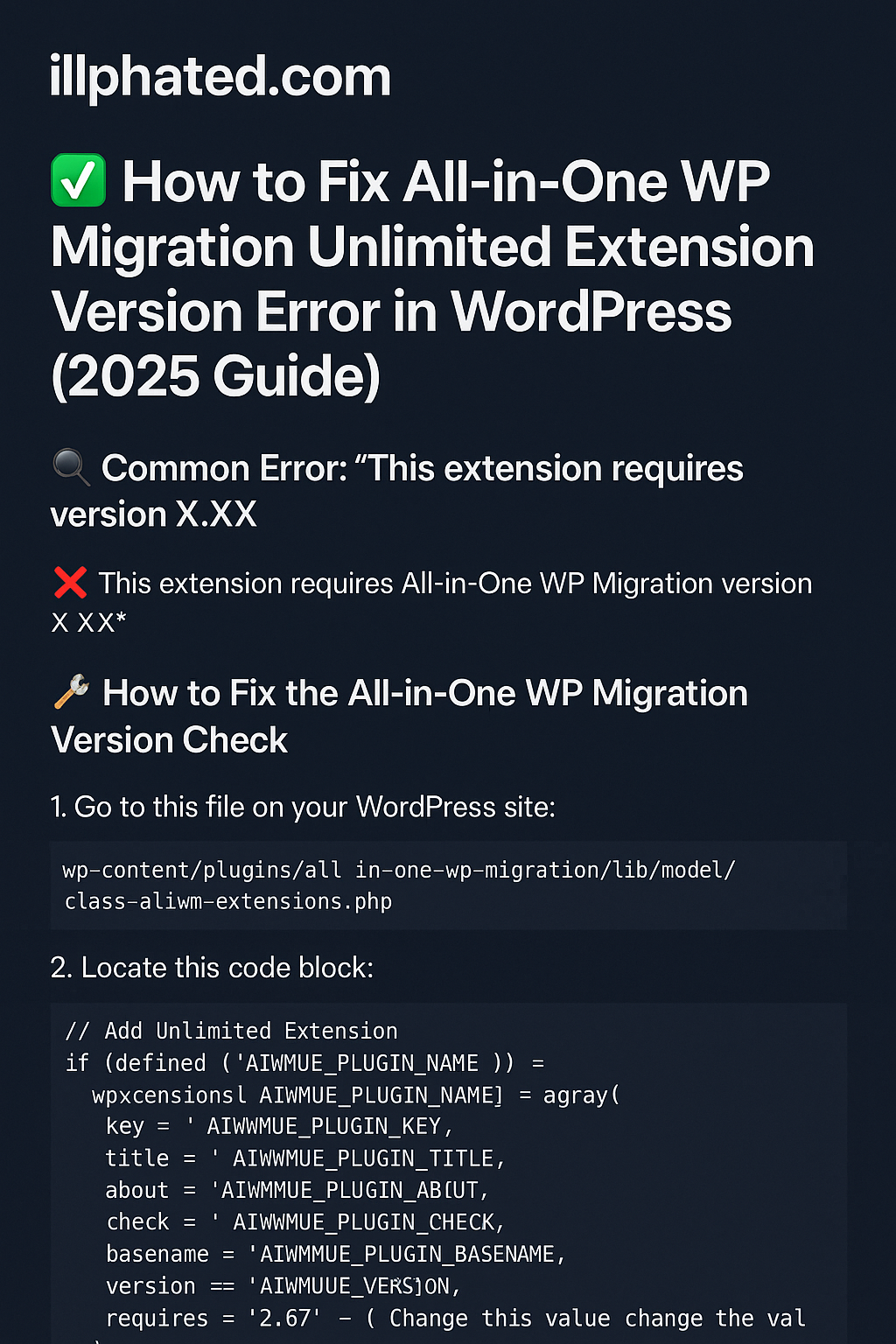
🔍 Common Error: “This extension requires version X.XX”
Many users encounter a message like:
❌ This extension requires All-in-One WP Migration version X.XX
This happens when there’s a mismatch between the Unlimited Extension’s required version and your currently installed core plugin version. Luckily, the fix involves editing a single line of PHP in your plugin files.
🛠️ How to Fix the All-in-One WP Migration Version Check
To resolve the error, you’ll need to edit the version check logic inside a specific plugin file.
💡 Important: Always make a backup before editing plugin files.
Step-by-Step Fix:
Go to this file on your WordPress site:
swift
Copy
Edit
wp-content/plugins/all-in-one-wp-migration/lib/model/class-ai1wm-extensions.php
Locate this code block:
php
Copy
Edit
// Add Unlimited Extension
if ( defined( ‘AI1WMUE_PLUGIN_NAME’ ) ) {
$extensions[ AI1WMUE_PLUGIN_NAME ] = array(
‘key’ => AI1WMUE_PLUGIN_KEY,
‘title’ => AI1WMUE_PLUGIN_TITLE,
‘about’ => AI1WMUE_PLUGIN_ABOUT,
‘check’ => AI1WMUE_PLUGIN_CHECK,
‘basename’ => AI1WMUE_PLUGIN_BASENAME,
‘version’ => AI1WMUE_VERSION,
‘requires’ => ‘2.67’, // Change this value
‘short’ => AI1WMUE_PLUGIN_SHORT,
);
}
Modify the requires value to match your installed plugin version.
If you’re running All-in-One WP Migration version 2.69, change:
php
Copy
Edit
‘requires’ => ‘2.67’,
to:
php
Copy
Edit
‘requires’ => ‘2.69’,
Save the file and refresh your WordPress admin.
Your Unlimited Extension should now activate without any version compatibility issues.
✅ Why This Fix Works
The requires value is a soft version check the plugin uses to validate compatibility. By editing it to match your current plugin version, you bypass the mismatch and allow the plugin to load normally.
🔐 Final Tips & Best Practices
Avoid automatic updates for this plugin unless you plan to repeat this fix.
Use a child theme or custom plugin folder if you plan to automate this override.
Always back up your site before making direct file changes.
📈 SEO Keywords You Might Be Searching For:
All-in-One WP Migration Unlimited Extension version error fix
How to fix “requires version” All-in-One WP Migration plugin
Unlimited extension not working WordPress
All-in-One WP Migration plugin compatibility issue
Fix addon validation error in WP Migration
🎯 Final Thoughts
The All-in-One WP Migration plugin is a powerful tool for backups and site transfers — but this common version mismatch with the Unlimited Extension trips up a lot of users. Hopefully, this guide helped you fix it fast and get back to managing your WordPress site like a boss.
For more WordPress plugin hacks, streaming tips, and vaporwave dev tools, stick with illphated.com — we keep it weird, fast, and functional. 🚀




zr1n0a
7v11vl
u49orc
7rozpv
crddmc
nme0s0
48546j
5hunim